
If you're planning to be away for a few days, Calendarspots lets you block your availability in advance so your clients can't book appointments during that time.
By scheduling your vacation days directly in your calendar, you can avoid accidental bookings and enjoy your time off with peace of mind.
To block your availability:
- Sign in to your Calendarspots account.
- Go to your calendar.
- Select the days or time slots you want to make unavailable.
- Save your changes.
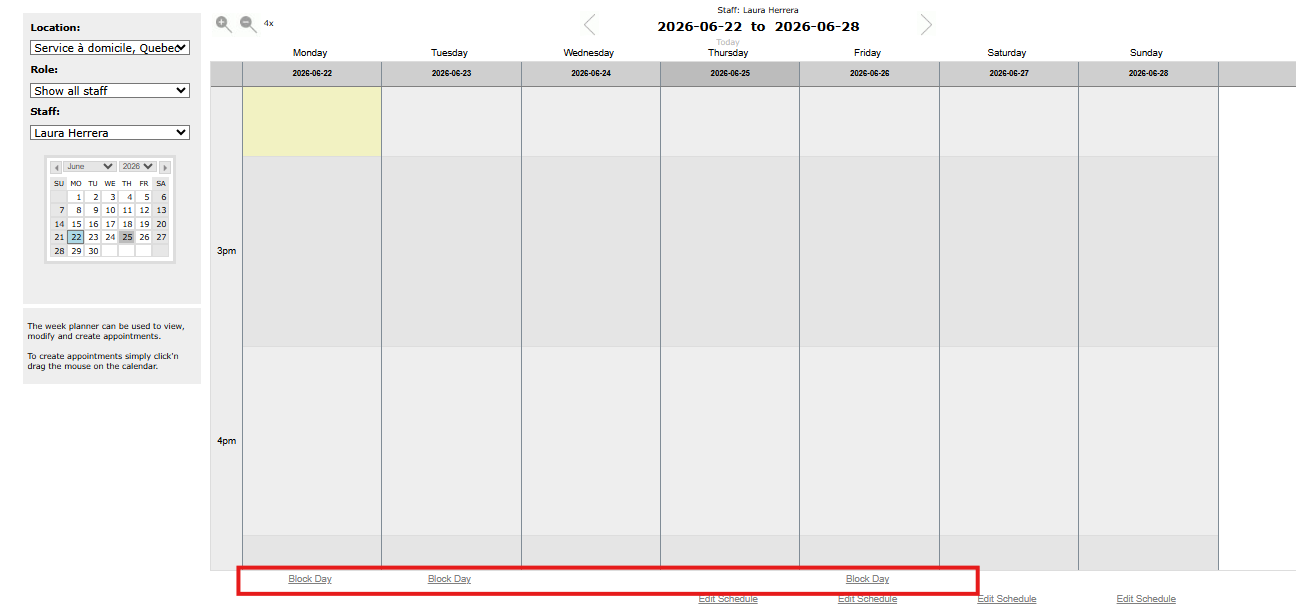
In just a few clicks, your schedule will be updated, and your clients will only see the time slots when you're actually available.